
Objective
This SOP outlines the steps to add a new user and edit existing user permissions in WordPress using the User Manager tool.
Key Steps
1. Log in to WordPress Admin 0:15
Access the website's backend by logging in to your WordPress Admin.
Navigate to the Users tab in WP Admin.
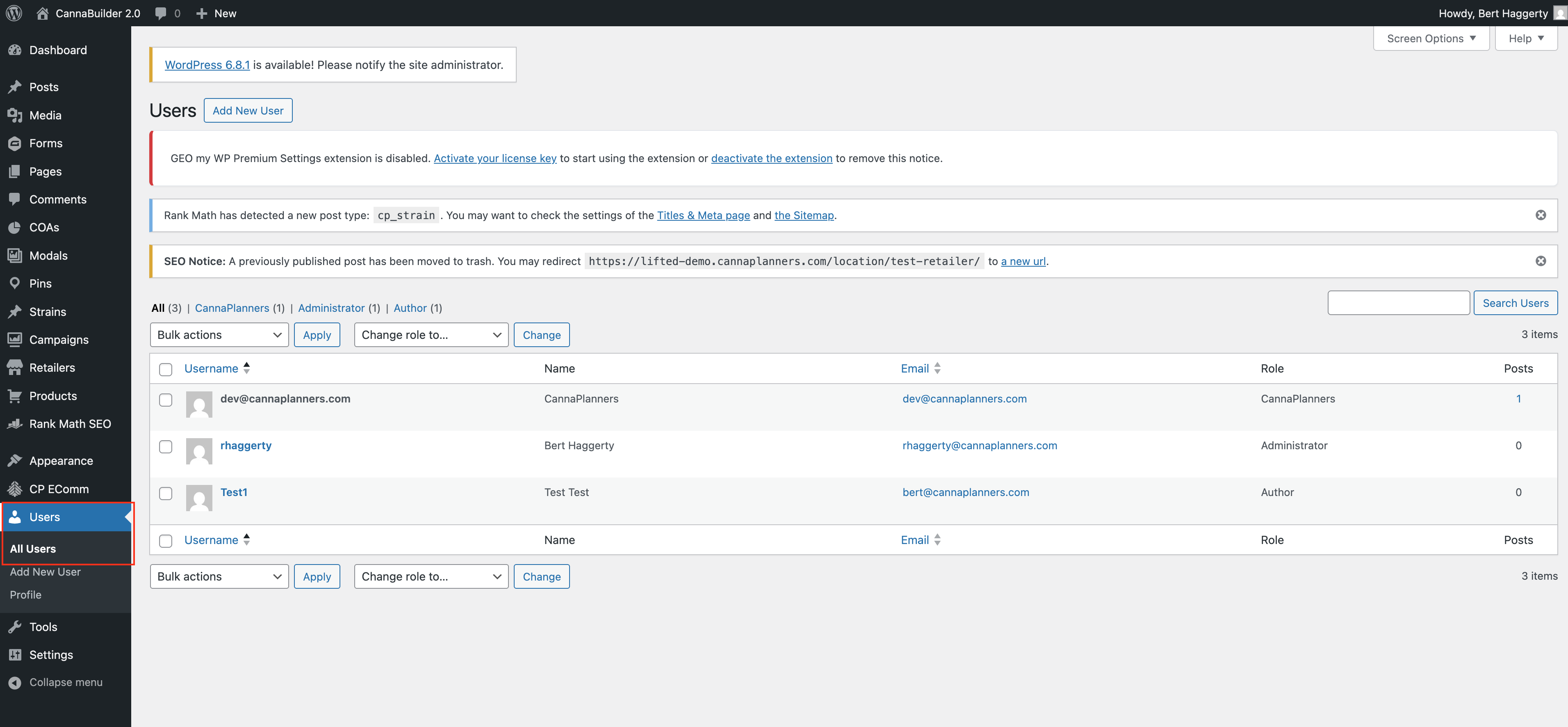
2. View All Users 0:23
Click on 'All Users' to see all active user accounts on the website.
3. Add a New User 0:38
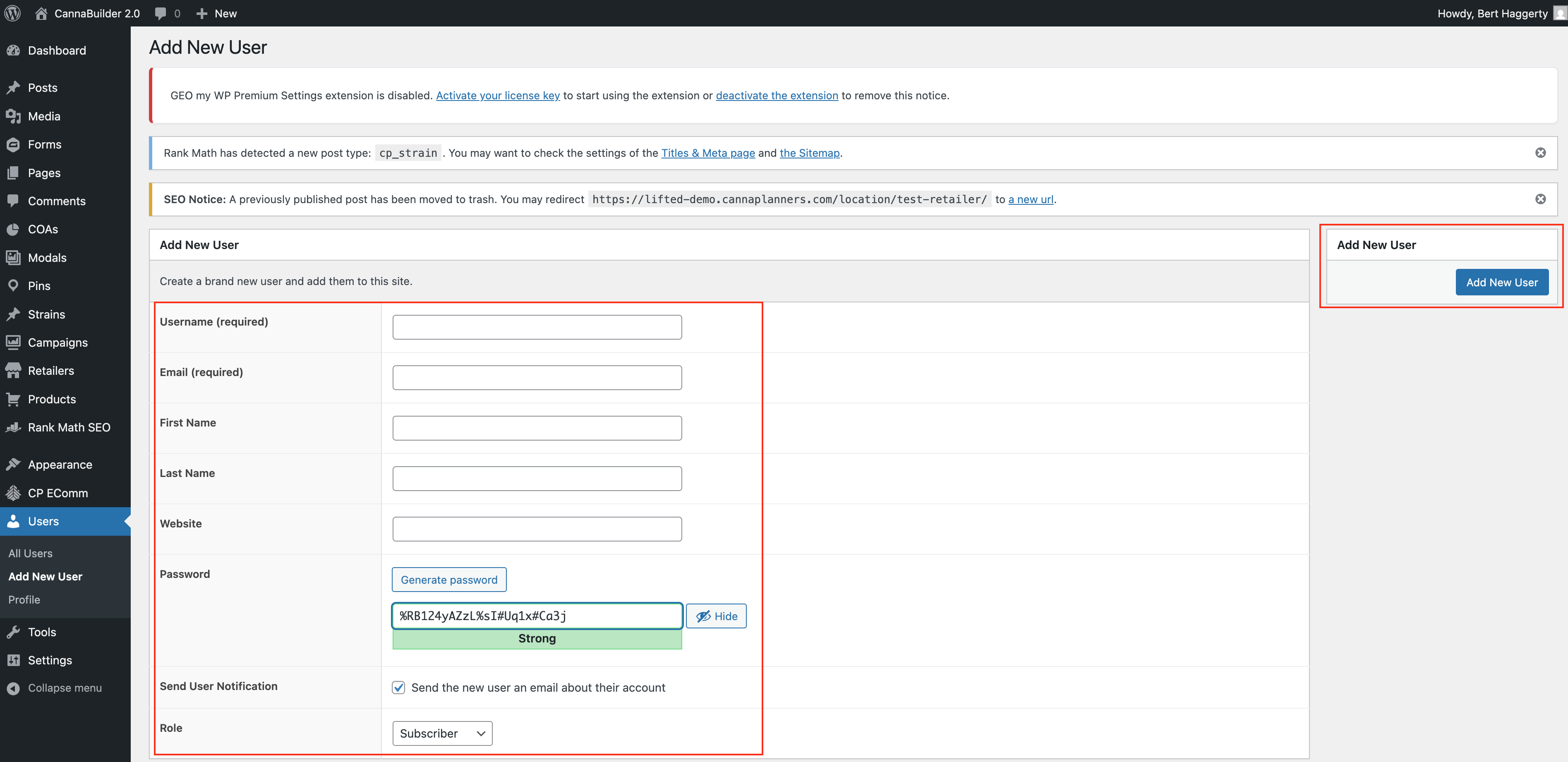
Click on the 'Add New User' button.
Fill in the following details:
Username
Valid email address
First and last name
Optional: Website (if applicable)
Ensure the 'Send User Notification' checkbox is checked to allow the user to reset their password.
4. Assign User Role 1:24
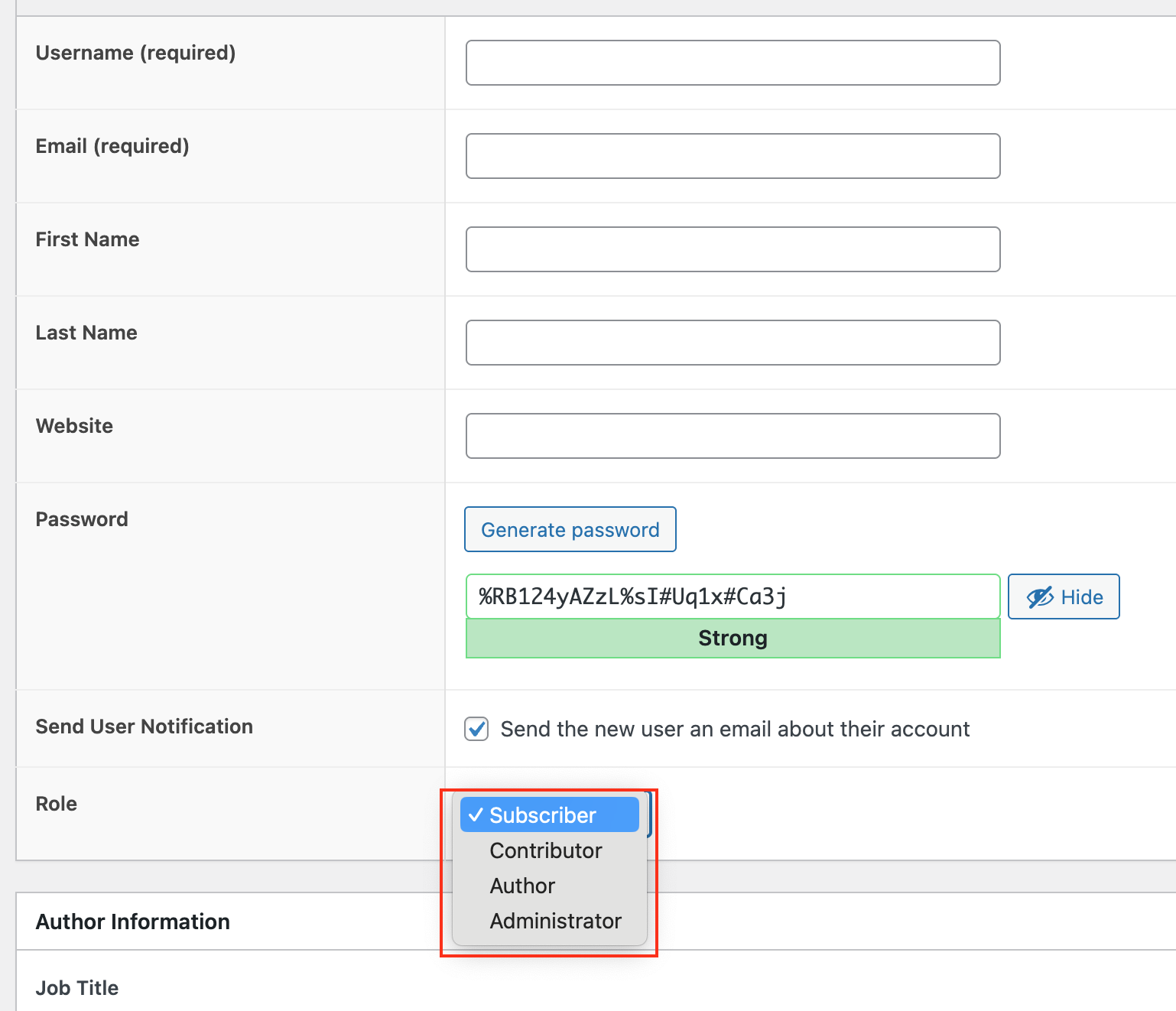
Select the appropriate role for the user:
Administrator: For internal team members who need full access.
Author: For users who will only publish content.
5. Save New User 2:18
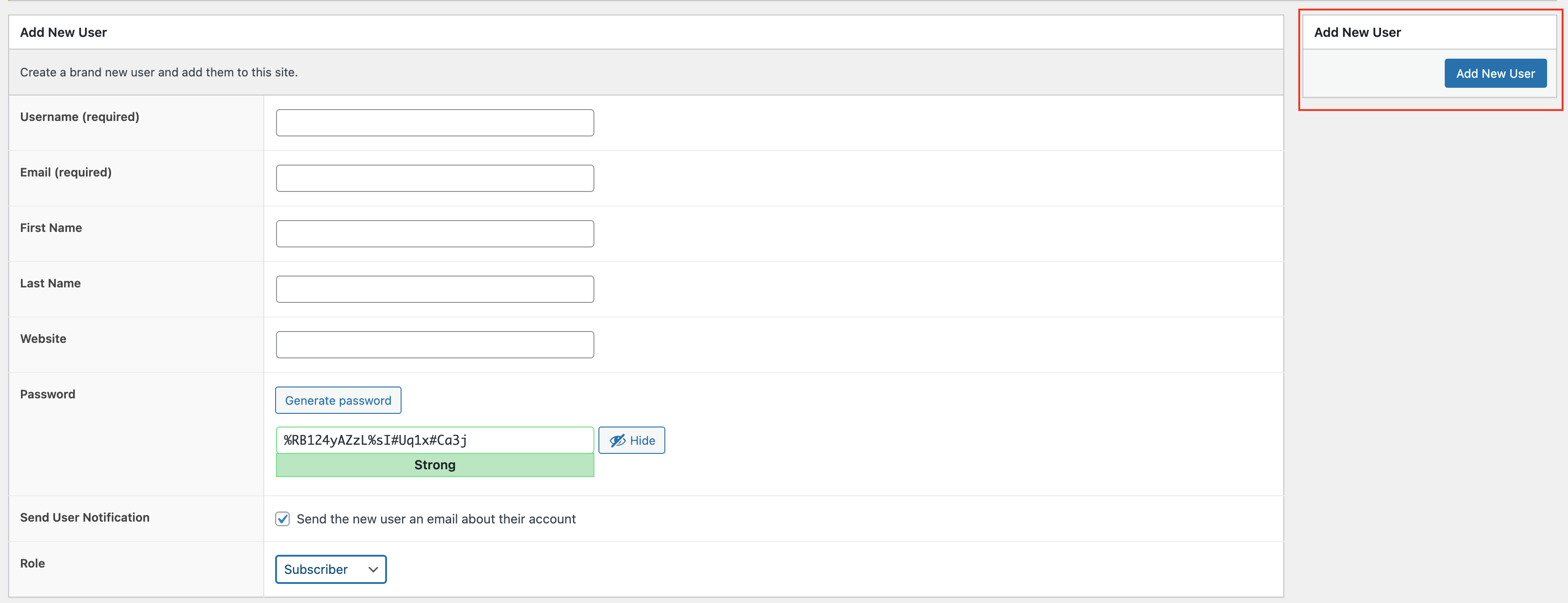
Click on 'Add New User' in the top right corner to save the new user.
6. Edit Existing User Permissions 2:34
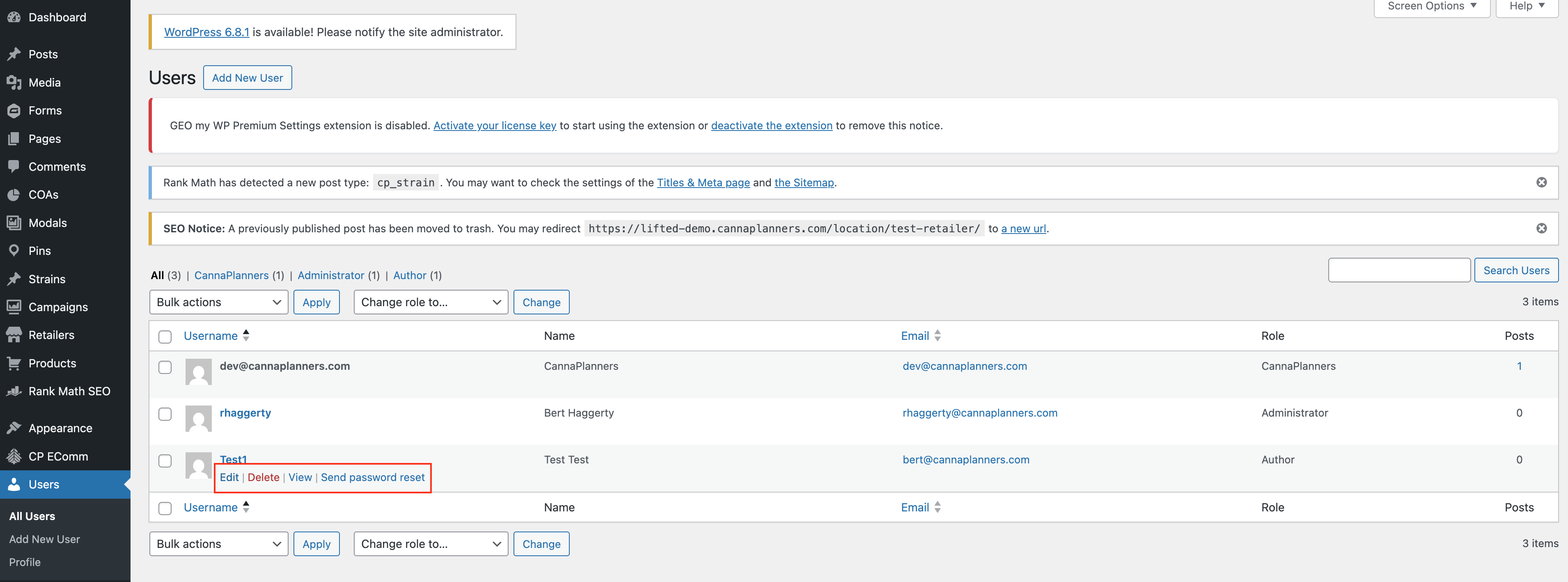
To edit a user's permissions, click on 'Edit' next to the user's name.
Update the user's role, name, or profile information as needed.
7. Reset Password 2:50
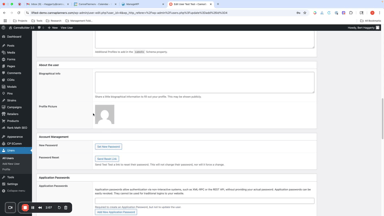
Optionally, send a password reset or manually reset the user's password.
8. Update User Information 3:06
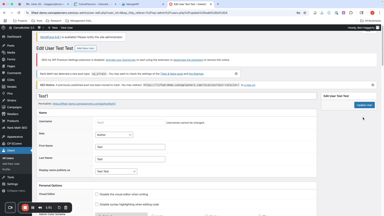
After making changes, click on 'Update User' to save the modifications.
Cautionary Notes
Always double-check the user role assigned to ensure they have the correct permissions.
Avoid giving Administrator access to users who do not need it to prevent unauthorized changes to the website.
Tips for Efficiency
Use consistent naming conventions for usernames to make user management easier.
Regularly review user roles and permissions to ensure they are up to date.