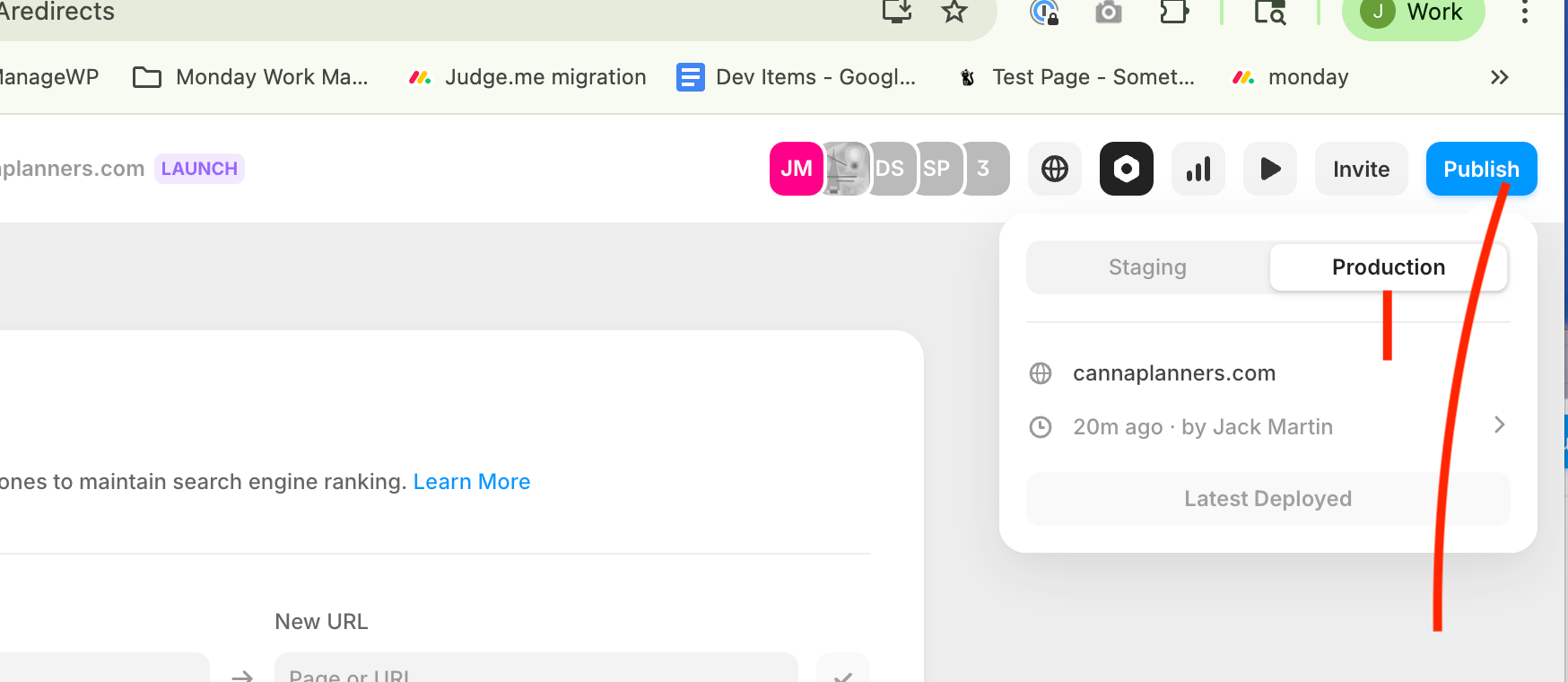
Follow these steps below to create redirects in Framer for the CannaPlanners website.
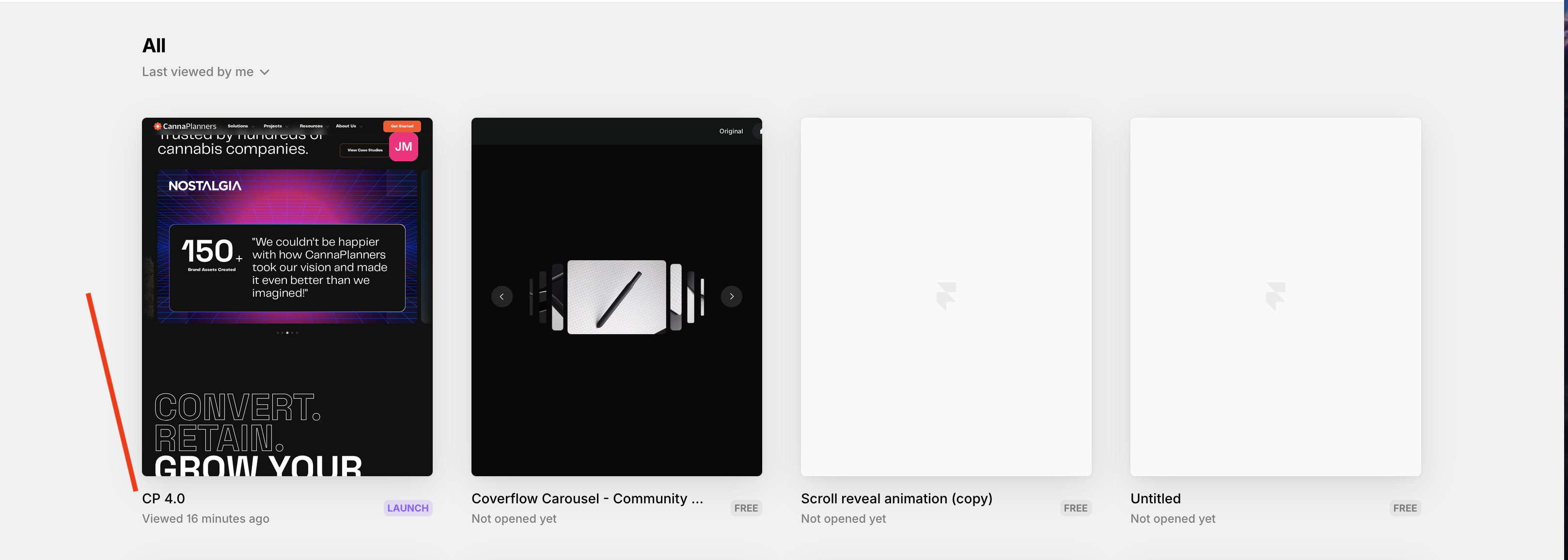
1. Log in to Framer and select the CP4.0 project.
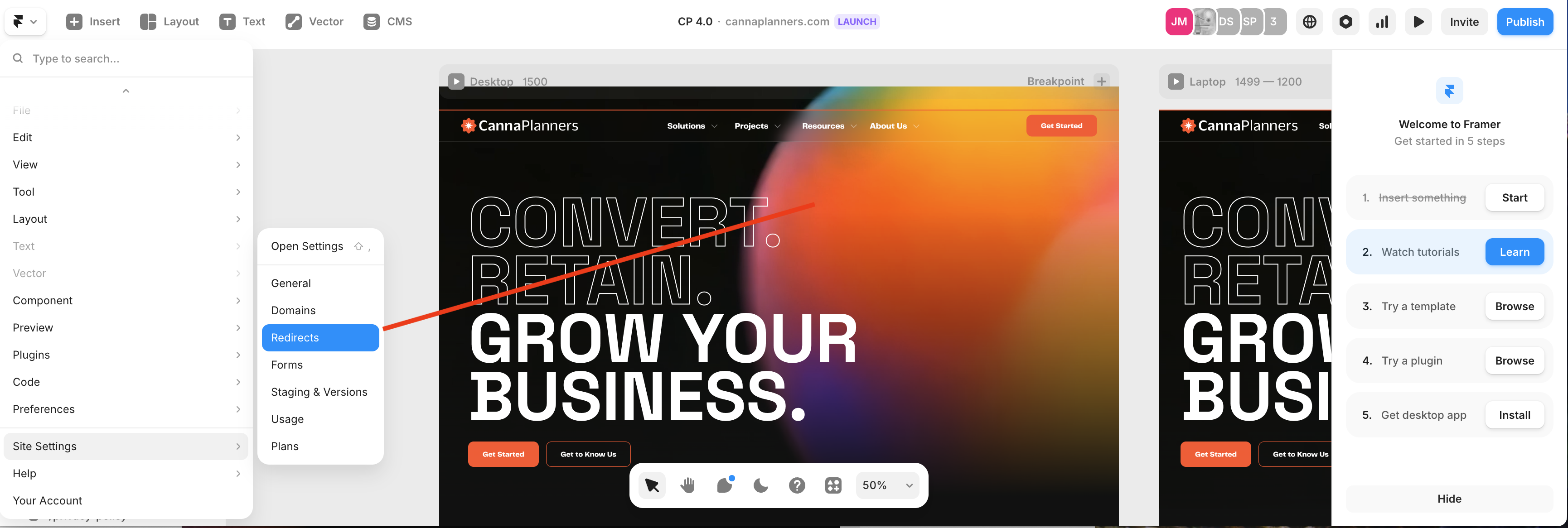
2. From the drop-down menu in the top left select Site Settings => Redirects.
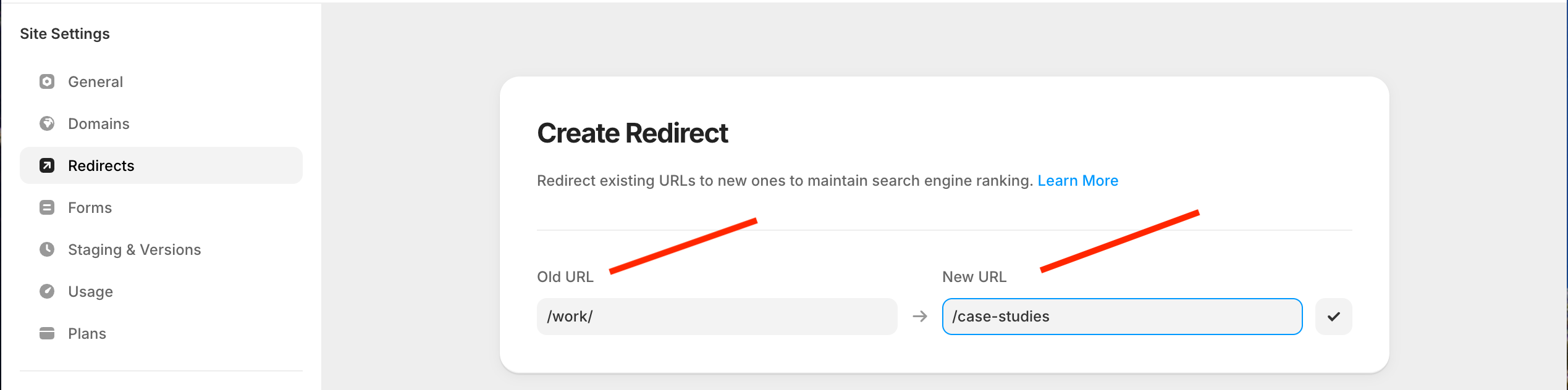
3. Enter Old URL and New URL in this format:
4. Publish to production website